For an MSP, an RMM is one of the most powerful tools in the stack.
It gives technicians the ability to remotely manage endpoints, run scripts, deploy software, troubleshoot problems and support customers without being physically present.
That power is exactly why the security industry is paying closer attention to the RMM management plane itself.
A recent BleepingComputer article outlining RMM security controls for MSPs put the issue plainly: RMM platforms can provide technicians with unattended administrative access across potentially thousands of customer devices. If a privileged account or management server is compromised, the impact can extend well beyond a single endpoint.
The takeaway shouldn’t be that RMMs are insecure.
It should be that remote management is privileged infrastructure—and access to it is only one part of the privileged-access problem.
Remote Access and Privileged Access Are Not the Same Thing
Your RMM answers an important question:
Where can this technician connect?
But once the technician gets there, another set of questions begins.
Which administrative identity should they use?
What privileges should that identity have?
Should those privileges exist when the technician isn’t working?
Should the technician have the same privileges for every customer?
If something happens, can you prove which technician used that privilege?
Those aren’t primarily remote-management questions.
They’re privileged access management questions.
And for MSPs managing dozens, hundreds or even thousands of customer environments, the distinction matters.
Think of It as Two Layers
Remote management gets the technician to the customer environment:
Technician → Customer Device
Privileged access management controls what happens next:
Technician → Customer → Administrative Identity → Specific Rights → Required Time
Both layers matter.
Securing remote access with MFA, role-based controls and auditing is important. But secure remote access does not automatically mean that the administrative credentials and privileges available after connection follow the same least-privilege model.
An MSP can have a well-secured RMM and still rely on shared administrator accounts, broadly scoped privileges or administrative identities that remain enabled around the clock.
Ask a Different Security Question
Here’s a useful exercise for any MSP:
If one of your technicians’ RMM accounts were compromised today, what administrative access would the attacker inherit across your customers?
Then ask a second question:
Does remote access automatically mean administrative access?
Ideally, those two things aren’t synonymous.
A technician may need the ability to connect to a customer’s environment without automatically receiving unrestricted administrative privileges inside that environment.
And when administrative access is required, it should be possible to control the identity, customer, privileges and duration associated with it.
Reducing the Privilege Behind the Connection
This is where PAM becomes a separate layer of defense.
Instead of relying on one shared administrative identity, TechIDManager can create unique administrative accounts for individual technicians across customer environments. Those accounts can be assigned different permissions based on the technician and environment.
With Just-in-Time access, a technician’s privileged account can normally exist without standing access. When the technician needs it, the account can be enabled and assigned its authorized rights, then automatically disabled and stripped of those rights afterward.
The goal isn’t to replace the RMM.
It’s to control the privilege available behind it.
What Happens When One Layer Is Compromised?
This is becoming an increasingly important question because centralized management infrastructure creates an attractive target.
The October 6 BleepingComputer article pointed to the recent N-able N-central security situation as an example. N-able issued an emergency hotfix in September for a maximum-severity pre-authentication remote-code-execution vulnerability. BleepingComputer reported that it was the fourth N-central hotfix in five weeks and that roughly 1,500 servers were exposed online at the time.
That doesn’t mean RMM products are inherently unsafe.
It demonstrates why MSPs should think carefully about blast radius.
If one layer of the stack is compromised, how much does that compromise automatically unlock in the next layer?
Separating remote-management access from privileged identities and standing administrative rights can help reduce the amount of privilege that comes along for the ride.
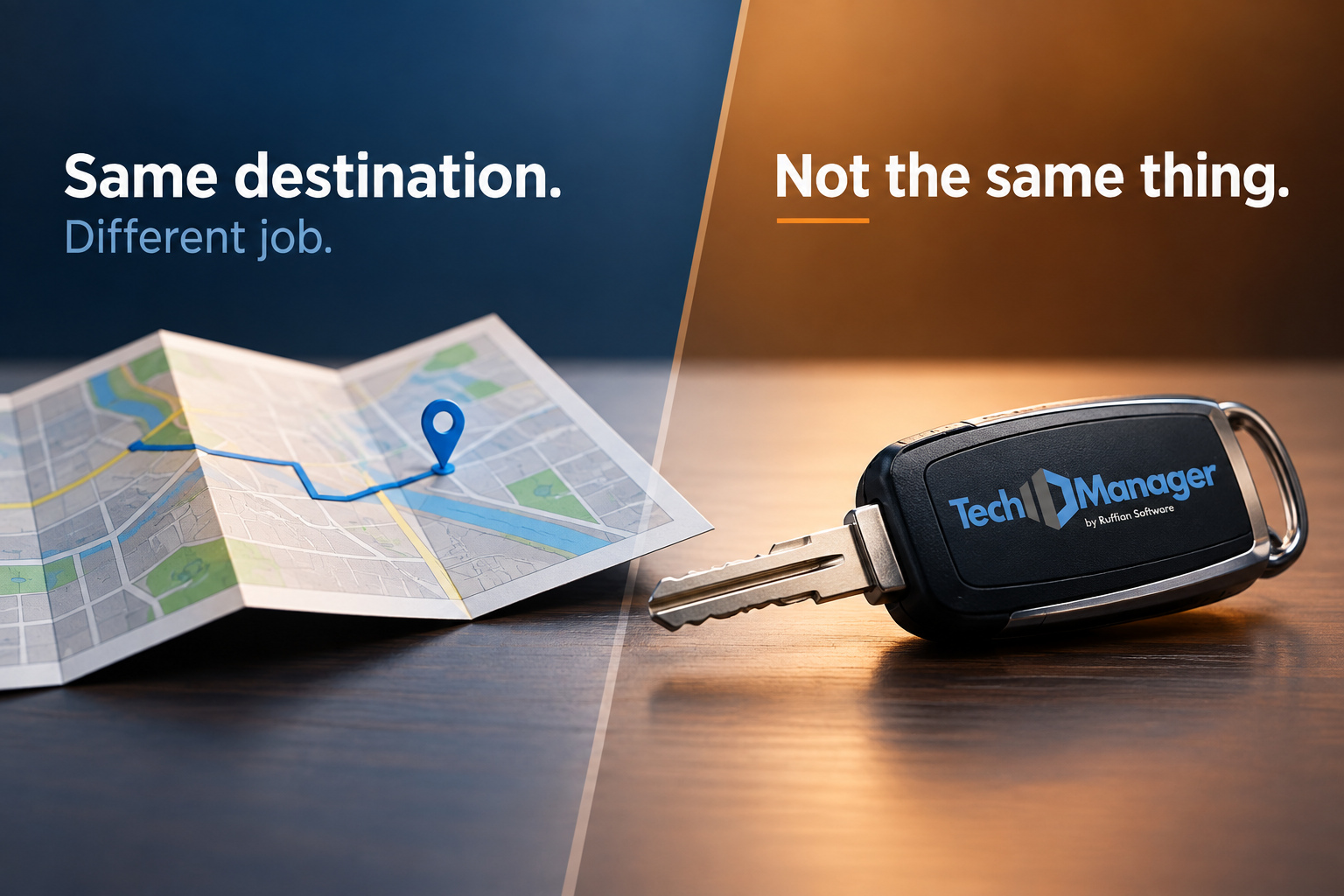
Your RMM Has a Job. So Does Your PAM.
This isn’t an RMM-versus-PAM conversation.
They’re solving different parts of the problem.
Your RMM determines where a technician can connect.
Your PAM determines what that technician is allowed to do once they’re there.
For MSPs, that means controlling privileged access at the technician level, customer level, identity level, privilege level and, when appropriate, time level.
The question isn’t simply:
“Can my technicians securely reach our customers?”
It’s also:
“Once they’re there, exactly how much privilege do they have—and can I prove it?”
That’s the question PAM is supposed to answer.
Schedule a demo to see how TechIDManager helps MSPs automate privileged account management with unique credentials, centralized auditing, and immediate access control across customer environments.